

Founder notes
How to Track Unanswered Proposals Without Spamming Prospects
By Djordje (George) Milićević · Thinking Mans Systems
Published
Quick take
Track each proposal as a conversation with one owner, not a timer that keeps sending email. Before every follow-up, check for replies, opt-outs, delivery problems, and changes to the proposal; pause whenever the answer is uncertain. Use a small, agreed follow-up sequence, then hand unresolved decisions to the owner instead of restarting the sequence.
Illustrative scenario: A US B2B maintenance consultancy sends a proposal to an operations lead. The lead replies to the consultant’s personal inbox: “We need purchasing to review this next week.” The CRM still says unanswered, so a scheduled email asks whether they saw the proposal. A second salesperson follows up separately. This fictional example shows a missing conversation handoff, not a lack of reminders.
The goal is not to send more messages. It is to make the next decision visible: waiting for a reply, responding to a question, waiting until an agreed date, or closing the proposal. A sequence that cannot notice those changes is not ready to send on its own.
What counts as an unanswered proposal?
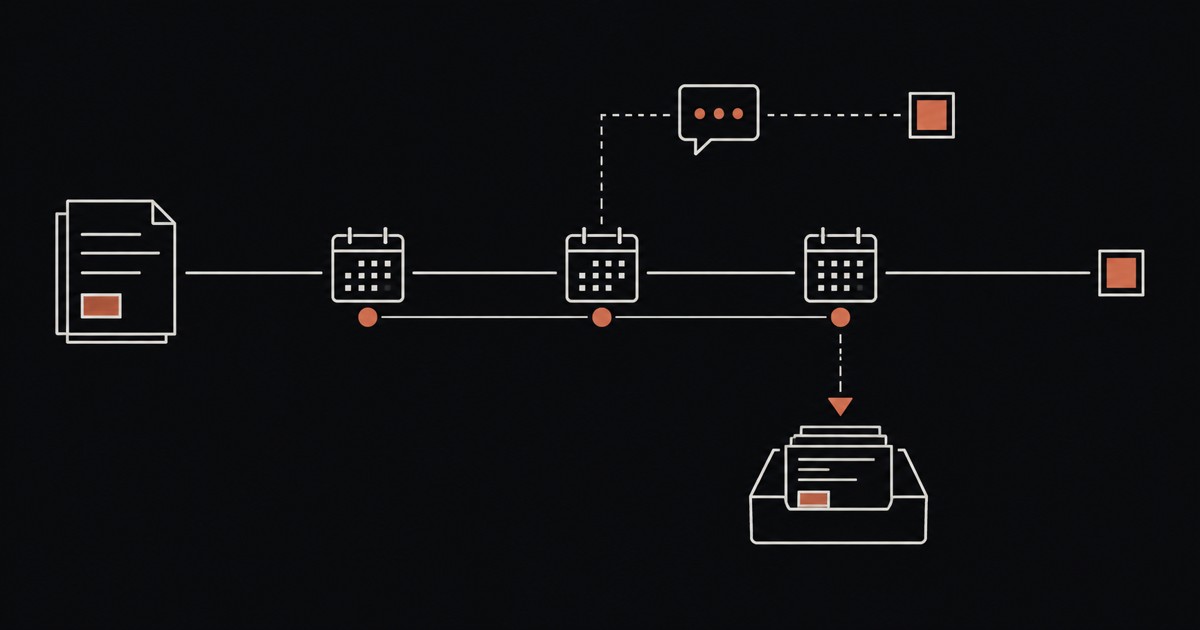
Define it narrowly: the current proposal version was sent to the intended contact, no relevant reply or owner update is recorded, no delivery failure or opt-out is open, and the next agreed check is due. “No CRM activity” is weaker evidence. A person may have replied by phone, in a different thread, or to another member of the team.
Store the proposal ID and version, account, recipients, sending mailbox, sent message and thread references, owner, last checked time, next action date, and stop reason. Keep send status separate from conversation status. A sent message is not a read proposal; a viewed proposal is not a decision.
Assign one owner for the proposal, including replies received by colleagues. If two people can launch separate sequences, merge ownership before automating. The existing note on when your CRM’s built-in automation is enough is a useful starting point. Check whether your tool can express these states before adding a connector.
How can the workflow detect a real reply?
Preserve the outgoing message and conversation references and inspect new inbound messages in the connected mailboxes. Google’s Gmail thread guide (opens in a new tab) explains how threads group related messages and how thread IDs, reply headers, and matching subjects are used when adding messages. Subject text alone is not a safe way to identify a proposal.
A matching thread is still a candidate conversation, not a verdict. Check the sender, message direction, recipients, and whether the message is an automatic response or a human reply. A forwarded message from a purchasing contact may need review because the address differs from the original recipient. A new subject or phone call needs an owner update even when the mailbox connector cannot connect it automatically.
Any likely human reply should pause the sequence first. Classify it into a question, requested delay, decline, acceptance requiring verification, or owner review. Free text such as “looks fine, need approval” is not permission to mark the deal won. If AI helps label a message, keep the source text beside the label and use uncertainty to stop sending, not to authorize another email.
What if the mailbox misses an update?
Google’s Gmail push-notification guidance (opens in a new tab) says mailbox watches need renewal and that notifications may be delayed or dropped. A notification should prompt a mailbox check; the absence of a notification does not prove the prospect stayed silent.
Keep a synchronization checkpoint and a recent successful check time. Before a due follow-up, read the relevant conversation again. If mailbox access has expired, the read times out, or the last reliable check is too old for your agreed policy, place the proposal on hold. Notify the owner instead of sending through uncertainty.
Google’s mailbox synchronization guide (opens in a new tab) describes partial synchronization using history IDs and the need for a full sync if a starting history ID is no longer available and returns HTTP 404. That recovery matters: after a monitoring gap, rebuild the conversation state before resuming reminders. Otherwise, the system can confidently act on stale silence.
Use the provider’s error guidance for temporary read failures. Gmail’s API error and exponential-backoff documentation (opens in a new tab) covers rate limits and retryable server failures. Retrying a mailbox read is different from retrying a send. If a send times out after submission, mark its outcome uncertain and reconcile the sent mailbox or provider record before another attempt.
Which events should stop or pause the sequence?
Evaluate stopping rules at the moment of sending, not only when the proposal first enters the sequence. A queued email can become wrong while it waits. Recheck the proposal version, ownership, suppression state, reply state, and next-action date, and prevent two workers from sending the same scheduled touch.
| Observed event | Sequence state | Next action | Owner |
|---|---|---|---|
| Human question or new contact | Paused | Read and answer the conversation | Account owner |
| Requested decision date | Waiting by agreement | Approve one future check | Account owner |
| Opt-out or clear decline | Stopped | Suppress sends and record reason | Account owner |
| Bounce or uncertain send | Delivery review | Verify address or sent outcome | Operations owner |
| No reply after agreed limit | Owner review | Close, call, or set a manual task | Account owner |
Also pause for an out-of-office reply, an owner-recorded phone conversation, a revised proposal, or a closed opportunity. Replacing a proposal should not reset the message count automatically. A closed record that reopens needs a deliberate new next action, not the old queue waking up.
An owner should record why a hold was cleared. Keep that decision visible to colleagues so a second person does not interpret the pause as neglected work. Shared suppression and ownership checks matter more than another clever email template.
What makes a follow-up useful rather than repetitive?
Agree on a small sequence for one proposal type. For example, this fictional consultancy might allow one check after three business days and one closing check a week later, only if no reply or stop condition exists. These intervals are an illustrative operating choice, not a proven response-rate formula. Use an agreed customer decision date instead whenever one exists.
The first message can ask whether there is a scope question to resolve and identify the person who can answer it. The final message can offer to close the loop if priorities changed. Neither needs an invented deadline, a claim that capacity is running out, or a recap of features the prospect already has.
After the limit, the account owner chooses a manual action or closes the pending follow-up. Track unanswered proposals in an owner queue without continuing to email them. This differs from collecting missing information before quoting: here the proposal already exists, and the missing item is a decision or conversation handoff.
Do B2B proposal reminders need opt-out rules?
Do not assume a business address or an existing discussion makes every message exempt. The FTC’s CAN-SPAM compliance guide for businesses (opens in a new tab) says the law makes no exception for business-to-business email, and that a message’s primary purpose determines whether it is commercial or transactional. Have the responsible person review your actual messages and applicable obligations.
For commercial messages, the guidance includes accurate routing information, nondeceptive subjects, a valid postal address, an opt-out mechanism, and honoring opt-outs within 10 business days. Operationally, stop your automated sequence as soon as an opt-out is recorded; do not use the legal deadline as a reason to send more. This is workflow guidance, not legal advice.
Restrict mailbox access to what the workflow needs and keep sensitive proposal details out of alerts. An exception queue can show the account, proposal reference, owner, reason, and protected conversation link without copying an entire thread into a broadly visible channel.
How do you know the workflow is safe to turn on?
Test a reply just before a scheduled send, a reply to a colleague, a changed subject, an out-of-office notice, a forwarded purchasing question, a bounce, a lost mailbox watch, and a send timeout. Confirm that an opt-out recorded while a message is queued blocks that message. Replay a scheduling event and verify it cannot create a second send.
Start with owner approval before each send and compare the proposed action with the real conversation. Track messages stopped correctly, uncertain states awaiting review, and exceptions left without an owner. Those checks tell you more about reliability than counting how many follow-ups were sent.
Our business system integration work focuses on the handoff between tools and the person who owns an exception. Keep the first release to one sending mailbox and one proposal type until reply detection, suppression, and recovery are visible enough to trust.
Common questions
- How many proposal follow-ups should we automate?
- Choose a small limit with the account owner and make each message serve a decision. The two-touch schedule in this article is illustrative, not a benchmark. After the limit, move the proposal to owner review rather than extending or restarting the sequence.
- Should an out-of-office reply stop follow-up permanently?
- Pause sending and let the owner review the return date and whether another contact is appropriate. An automatic reply does not prove the proposal was considered. Resume only with an approved next action, not a guessed date from uncertain text.
- Can an email open count as a response?
- No. An open or proposal-view event is not an acceptance, question, or request to continue. Keep it separate from reply state, and never let it override an opt-out or justify additional automatic messages.
Want to review one proposal follow-up workflow?
Bring one proposal, its email thread, and the follow-ups your team sends today, with sensitive details removed. We can work through the reply checks and ownership rules before deciding whether anything needs to be built.
Let’s work through it